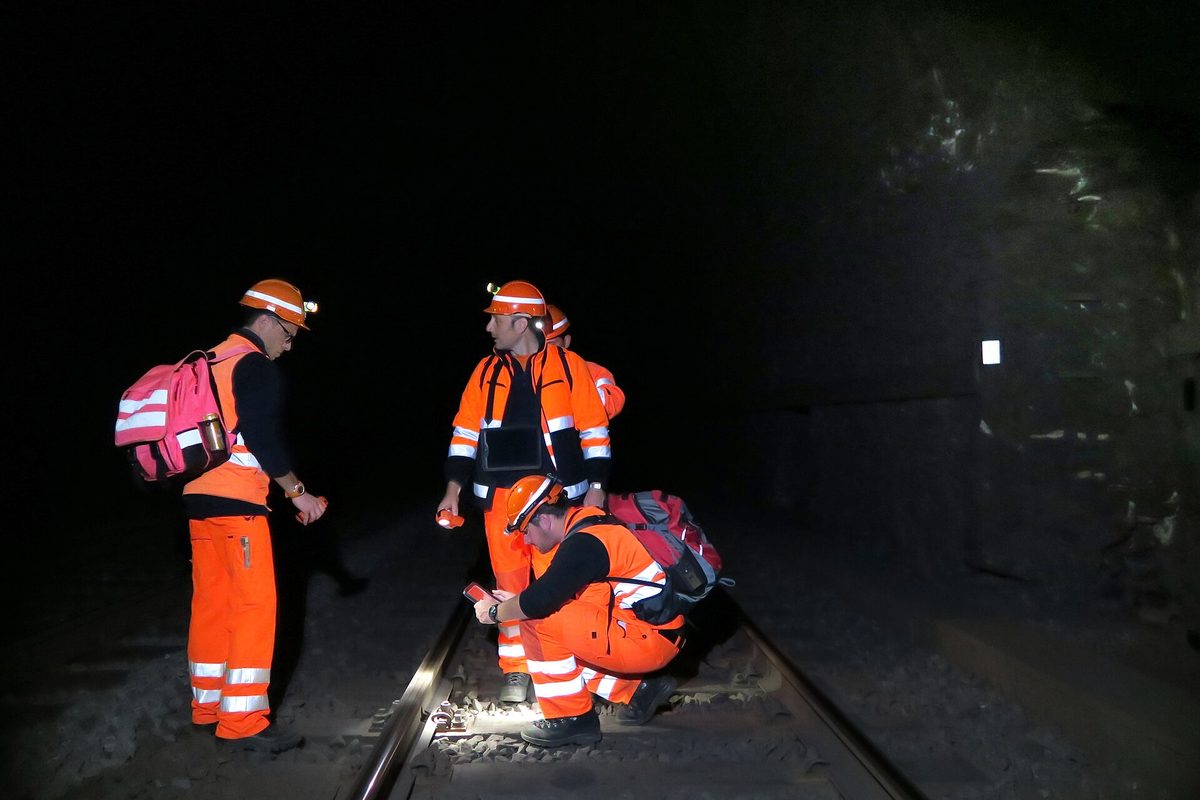
The foreman taps Save in a basement with no service. A confirmation appears. At the office that afternoon, the inspection is missing. EHS now has to find the record and establish how the inspection was handled in the field. The crew also needs a way to report the failure without losing its original observations.
An offline safety form acceptance test should follow a record from field entry through server receipt, attachments, review and export. A saved screen alone cannot establish that the employer has the record it needs.
The test below is a proposed purchasing and deployment practice. OSHA does not prescribe these software test cases. Its standards establish duties for particular records and for access to information. An EHS team needs evidence that its chosen system can support those duties under actual field conditions.
Start with the record the work needs
Start with a form the crew uses for a defined task. A completed inspection records an examination; a confined-space permit also supports entry authorization. Test each workflow against its own purpose.
For construction permit spaces, 29 CFR 1926.1206 specifies the information on an entry permit. Section 1926.1205 addresses preparing the permit, authorization and availability to entrants. A record waiting on a disconnected phone does not, by itself, show that these operational requirements have been met. The people controlling the entry still need the information when they prepare and authorize the entry.
For chemical information, 29 CFR 1910.1200(g)(8) permits electronic SDS access only without barriers to immediate employee access. Testing the ability to submit an inspection does not test SDS access. Run that separately using the actual PDF, the intended worker account and the device that will go underground. Construction applies the HazCom requirements through 29 CFR 1926.59.
Write the acceptance question in work terms: can the supervisor retrieve this completed inspection, with its photographs, after the device returns to service? Avoid accepting a demonstration that only shows a connection indicator changing color.
Establish a small, identifiable test set
Use a training environment or clearly marked evaluation records. Keep employee medical information out of the exercise. Assign each submission an identifier that can be matched across the phone, the receiving system and an export.
Record the device and application version. Also note the account role, jobsite and form version. These details identify the conditions of your evaluation; OSHA does not prescribe this software test inventory. It helps explain why a successful office demonstration may differ from a worker's result on an older phone.
Give the evaluator a separate observation sheet. Record what happened without repairing it during the first pass. If the evaluator retries a submission, capture that action too. A successful second attempt can hide a lost first record or create a duplicate.
Choose enough records to distinguish partial success from complete failure. Five labeled inspections with different answers are more informative than repeatedly submitting the same blank form. Include one photograph that matters to the finding, such as a clearly identified training image of a damaged ladder.
Exercise the loss of service in several ways
Airplane mode is a useful starting point. It is only one condition. A site can have a usable connection icon while the application cannot reach the service that stores records.
| Test condition | Observation to capture | A result that needs investigation |
|---|---|---|
| Connection removed before entry | Whether the form opens and permits a local save | A generic error with no recoverable draft |
| Connection lost during submission | What the worker is told about the submission | A success message with no identifiable saved record |
| Very slow connection | Whether repeated taps create extra records | Several copies of the same inspection |
| App closed and reopened | Whether pending work remains available | A previously visible item disappears |
| One rejected item among valid items | Which records reach the receiving system | One bad record silently prevents all later records |
| Device reconnects after a long interval | Whether the worker can distinguish pending and received records | The queue clears while the supervisor cannot find the work |
Do not simulate a failed permit during a real entry or use a live incident as a test case. Evaluate the software away from the operation. A software exercise cannot substitute for the duties in 29 CFR 1926.1205 and 1926.1206.
Follow one record through every handoff
Select one test record and compare its contents in four places: the field view, the pending-work view, the supervisor's view and the exported document. These screens may use different data or refresh at different times.
Check the work location first. Then compare the observation, the assigned action and the person identified as the author. Open the attachment. A filename or thumbnail is insufficient evidence that the photograph can be retrieved in the receiving system.
Preserve the time the work was performed separately from the time the receiving system obtained the submission, if the system offers those fields. Explain their meanings to supervisors. OSHA's entry-permit content includes the date and authorized duration under 29 CFR 1926.1206(c); that operational information may not be inferred from a later upload time.
Some systems retain a creation time from the device. Others display server receipt as the record's creation time. Ask the supplier to describe the behavior and then demonstrate it. Do not assume that the label Created means the same thing in every export.
For a broader discussion of the documents that accompany an operation, use the digital permits guide. Keep this evaluation centered on delivery of the specific form and its supporting evidence.
Make rejection a visible, assigned condition
A partially synchronized batch should identify the unresolved records. It should also give the worker or administrator a path to inspect the problem without erasing the original entry.
As an evaluation case, submit a record referring to a jobsite that the account can no longer use. The system might refuse it for a valid reason. The acceptance issue is whether the refusal leaves the user with the original information and a clear next action. If the item disappears, the evaluator cannot tell whether it arrived, was rejected or was deleted.
Ask who is responsible for resolving failures. An alert addressed to an unmonitored administrator account is weak field practice. Assign an operational owner who can compare the submission with the work and obtain missing context from the author.
Do not change an observation merely to make a rejected form pass validation. If the jobsite or date was wrong, document the correction. If the application cannot accept accurate information, preserve it through an approved alternative and report the limitation to the supplier.
The employer's obligations remain record-specific. For example, 29 CFR 1904.29(b)(3) sets the entry deadline for recordable injury and illness information after receipt of information that a recordable case occurred. A pending upload does not amend that deadline.
Test the recovery path, including duplicates
Reconnection can produce a second problem: a worker repeats an entry because the first one appears lost, then both arrive. Two copies may show different assignments or incomplete attachments.
Give evaluators a written recovery instruction before deployment. It should say how to check whether the first record was received, who authorizes a replacement entry and how the relationship between the two records will be recorded. This is an internal control chosen by the employer.
For OSHA injury records, classification and establishment assignment call for separate review. A duplicate report should not become a duplicate OSHA 300 case. The recordability guide addresses that decision. The transmission status alone does not decide whether a case belongs on the Log under Part 1904.
Repeat the failed step after a repair, using new evaluation identifiers. Retain the original result with the later result so the EHS purchaser can see what changed. Keep the vendor's explanation with the rerun result. The purchaser should be able to compare the failed step with the corrected behavior.
Give the crew a usable fallback
The fallback should be available where the failure occurs. A procedure stored only in the same inaccessible application offers little help.
Decide which activities can proceed using an alternative record and which call for the operation to wait for the responsible person to restore needed controls. For a permit-space entry, the alternative still needs to satisfy the applicable permit and access requirements in 29 CFR 1926.1205 and 1926.1206. Calling a screenshot a permit does not supply missing authorization or testing information.
Train the supervisor to recognize uncertain status. A local save, an upload acknowledgment and a reviewed record are different events. Use the words the deployed software displays, with examples from the evaluated version. Recheck those instructions when an update changes the workflow.
Prepare the alternative field record with the weekly inspection worksheet where that form suits the work. The worksheet is a starting document; the employer decides the inspection scope and applicable requirements.
Sign off on the tested workflow
Finish the exercise with a short acceptance record: what was tested, what passed, which limitations remain and who accepted the deployment for the stated use. Name any excluded workflow. A successful near-miss test should never be described as proof that every permit and medical record works offline.
Attach the reconciliation showing that every evaluation identifier was accounted for. Include failed attachments and duplicates in that count. Keep the device configuration with the results so a later investigation can reproduce the conditions.
Keep the results and recovery instructions with the release decision so a supervisor can find them after a device or application update. Use the mobile safety app guide for the broader field-use discussion. Before adding another form to the deployment, test that form through the same handoffs; the earlier inspection test does not cover it automatically.
Frequently Asked Questions
Does OSHA prescribe an offline software acceptance test?
The test is a proposed internal practice. 29 CFR 1910.1200(g)(8) governs SDS access; 1926.1205 and 1926.1206 govern construction entry permits. Evaluate the applicable duty separately.
Is a locally saved form the same as an available permit?
A local save alone does not establish that 29 CFR 1926.1205 permit preparation, authorization and availability requirements have been met.
Can an upload delay extend an OSHA recordkeeping deadline?
29 CFR 1904.29(b)(3) sets the entry deadline for recordable cases. A pending upload does not amend that deadline.
Should the event time and upload time be distinguished?
Distinguishing them is recommended document practice. For entry permits, 29 CFR 1926.1206(c) specifically calls for the date and authorized duration of the permit.
Site-wide regulatory figures such as compliance dates and penalty amounts come from our regulatory source-of-truth modules, last checked against the eCFR, OSHA.gov, and the Federal Register on October 19, 2026. Last reviewed November 15, 2026.
About This Article
Published by: HazComFast
Published: November 15, 2026
Last Updated: November 15, 2026
This content is for informational purposes only and does not constitute legal advice.